The best local RAG apps for Mac in 2026
Run RAG over your own files fully offline on a Mac. We compare AnythingLLM, GPT4All, LM Studio, Ollama and Jan, with honest trade-offs and where recal fits.
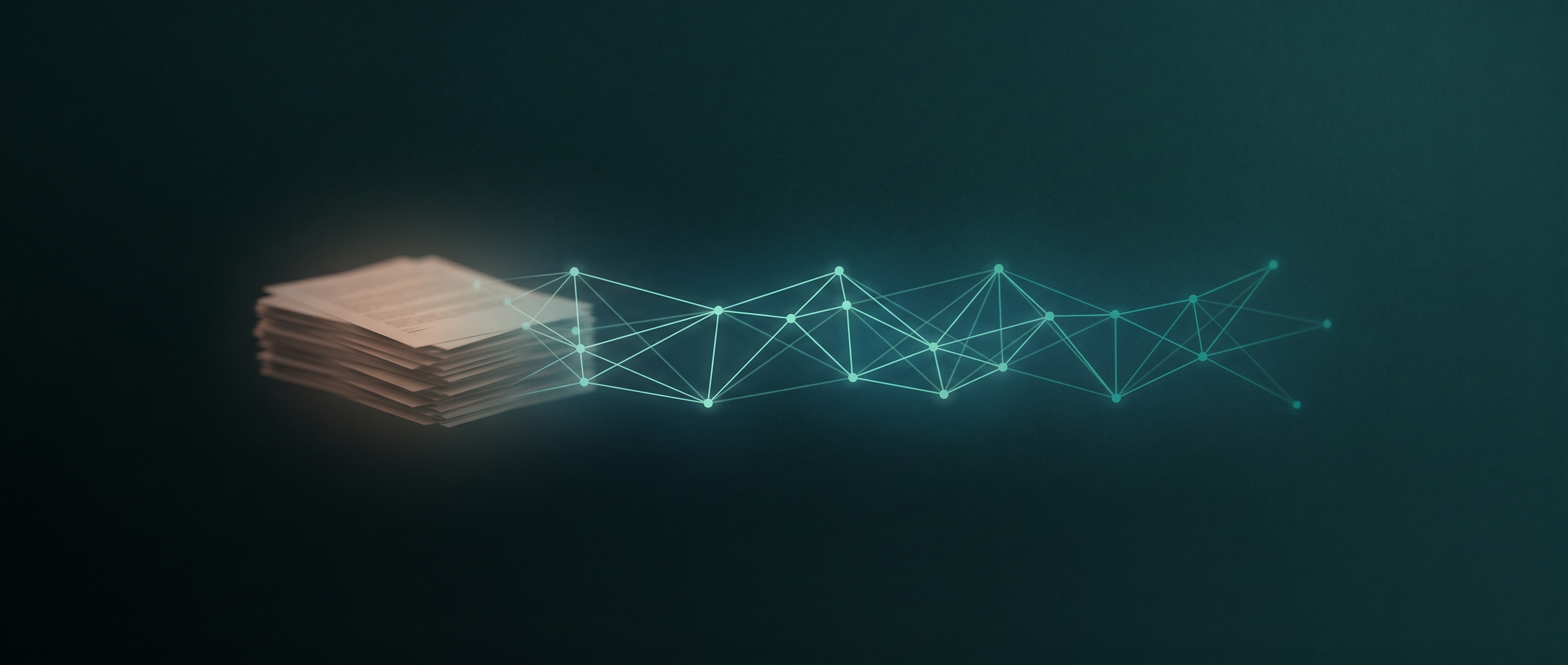
Local RAG is how you ask questions of your own files without sending them to anyone. RAG stands for retrieval-augmented generation: the app finds the relevant passages in your documents, then hands them to a language model to answer from. Do that entirely on your Mac and nothing leaves the machine. The short version of this guide is that most people should start with AnythingLLM for the easiest full setup, GPT4All if you just want to point at a folder, or LM Studio if you already run models there, and reach for Ollama only when you want to build the pipeline yourself. The rest is the honest detail behind that.
At recal we build a local-first assistant, and on-device retrieval is a big part of it, so the notes here come from building the thing rather than surveying it. Most of the tools below are not recal, and where our own layer sits comes at the end. The comparison is on the merits.
Key takeaways
- AnythingLLM is the easiest all-in-one on a Mac: a desktop app with a bundled vector store, a built-in embedder, and drag-and-drop documents, fully offline when paired with local models.
- GPT4All is the lowest-friction start if you want RAG and nothing else: point its LocalDocs feature at a folder and it indexes and answers, on CPU, no setup.
- LM Studio adds document chat on top of a great model runner, so it is the natural pick if you already run local models there.
- Ollama is not an app, it is a runtime. You get the most control and do the most work, wiring an embedding model plus a framework or a frontend into your own RAG pipeline.
- The quiet truth of local RAG is that retrieval quality depends more on your embedding model and chunking than on the chat model, and on a Mac every piece shares the same unified memory.
What is local RAG, and why run it on a Mac?
Retrieval-augmented generation splits answering into two jobs. First, retrieval: your files are broken into chunks, each chunk is turned into a vector by an embedding model, and those vectors are stored in a small database. When you ask something, the app embeds your question and pulls back the chunks whose vectors sit closest to it. Second, generation: those chunks are pasted into the prompt so the language model answers from your material instead of guessing from training data.
Running that locally means the embedding, the vector store, and the model all live on your machine. Nothing is uploaded, there is no per-token bill, and it works on a plane. Apple Silicon makes this genuinely practical: the unified memory that Macs use lets a mid-sized model and an embedding model share RAM without a discrete GPU, and frameworks like MLX and Metal keep them fast. If you handle drafts, client files, research, or anything you would not paste into a cloud chatbot, local RAG is the private way to search and question it.
Can you run RAG locally, and what do you need?
Yes, and the bar is lower than people expect. A modern Mac with 16GB of unified memory comfortably runs a small chat model, a lightweight embedding model, and an embedded vector store at the same time. 8GB works for smaller models and modest document sets, though you will feel the ceiling. You do not need a separate GPU, and you do not need to write code if you pick one of the desktop apps below.
The three moving parts are always the same: an embedding model (a small model such as nomic-embed-text is the common default and runs happily on CPU), a vector store (the apps bundle one, so you rarely choose), and a chat model to write the answer. The desktop apps hide all of this. The build-it-yourself route with Ollama exposes each piece, which is the trade you make for control.
The best local RAG apps for Mac in 2026 at a glance
| Tool | What it is | Setup effort | Vector store and embeddings | Fully offline | Best for |
|---|---|---|---|---|---|
| AnythingLLM | All-in-one desktop RAG app | Low, one-click | Bundled LanceDB, built-in embedder | Yes, with local models | The easiest complete setup |
| GPT4All | Chat app with LocalDocs RAG | Very low | Built in, Nomic embeddings | Yes | Pointing at a folder and asking |
| LM Studio | Model runner with document chat | Low | Built in, nomic-embed-text-v1.5 default | Yes | People already running models here |
| Ollama | Local model and embedding runtime | High, you assemble it | You choose the model and store | Yes | Building your own pipeline |
| Jan | Offline ChatGPT alternative | Low | RAG via extension | Yes | A private general assistant |
AnythingLLM, the easiest all-in-one
AnythingLLM Desktop is the closest thing to a batteries-included local RAG app. It installs on macOS, Windows, or Linux with one click and ships a bundled LanceDB vector store, a CPU-based embedder, and a document pipeline, so a fresh install can answer questions about your PDFs in a few minutes. You drag files into a workspace and it handles chunking, embedding, and retrieval. It reads a wide range of formats, from PDF, DOCX, and Markdown to more than fifty code file types, and even audio through Whisper transcription.
It runs fully offline when you point it at a local model provider such as Ollama or LM Studio, and your documents and embeddings never leave the machine. The app itself is light, but a good experience wants roughly 8GB of memory free once a chat model and an embedding model are both loaded. If you want one app that does the whole job with almost no configuration, this is where to start.
GPT4All, point it at a folder
GPT4All is the lowest-friction way to get local RAG specifically. Its LocalDocs feature lets you create a collection by pointing at a folder; it then breaks the files into fragments, embeds them with Nomic's models, and answers your questions from the closest matches, all offline. There is no pipeline to assemble and no code to write.
It runs well on CPU, which makes it friendly for older or lighter Macs, and it keeps everything on your computer, which is the point when you are working with unpublished or sensitive material. The format support is narrower than AnythingLLM's, centered on text, DOCX, PDF, and Markdown, and it is a simpler tool overall. That simplicity is exactly why it is a good first taste of what local RAG feels like.
LM Studio, RAG on top of a great runner
If you already run local models, LM Studio added document chat that behaves smartly. Attach a PDF, TXT, DOCX, Markdown, or code file and it decides automatically: if the document fits the model's context window it inlines the whole thing, and if it does not, it chunks and embeds for retrieval instead. The default embedding model is nomic-embed-text-v1.5, and you can swap it from the developer settings.
Everything runs locally with no cloud calls, and LM Studio's strengths as a runner carry over: an in-app model browser, an OpenAI-compatible server, and the MLX engine for speed on Apple Silicon. The catch is that RAG here is a feature on a model app rather than the app's whole purpose, so its document management is lighter than a dedicated tool's. For anyone whose local models already live in LM Studio, it is the least friction to try.
Ollama, build your own RAG
Ollama is not a RAG app, it is the runtime a lot of RAG apps sit on. On its own it runs chat models and, importantly, embedding models: nomic-embed-text is the most-pulled option at 137 million parameters and about 274MB, runs on CPU, and takes an 8,192-token context so it can embed a whole page at once. mxbai-embed-large is heavier at 335 million parameters with 1,024-dimensional vectors and a stronger retrieval benchmark, but its 512-token window truncates longer chunks, so it suits short passages.
To turn that into RAG you add a framework such as LlamaIndex or LangChain, or a frontend, and wire in a vector store yourself. That is real work, and it is the reason the apps above exist. But it is also the most flexible and transparent path, and it is open source under the MIT license. Choose Ollama when you want to control chunk size, the embedding model, and the store, not when you want to be answering questions in five minutes.
Jan, the privacy-first assistant that also does RAG
Jan is an open-source ChatGPT alternative that runs entirely offline, and RAG document querying is one of its extensions rather than its headline. It is privacy-first in a strict sense: zero telemetry, no account, chat history stored locally, and an Apache 2.0 license that auditors and companies like. It also speaks the Model Context Protocol, so it can reach out to tools and services when you want it to, and it exposes an OpenAI-compatible local server.
As a general private assistant Jan is excellent. As a dedicated RAG tool it is younger and less specialized than AnythingLLM or GPT4All, so document handling is not as deep. Pick Jan when you want one local assistant for everything and RAG is one job among several, rather than the main event.
Where recal fits
The tools above share a shape: you gather documents into a workspace or a collection and then chat with that collection. recal, the local-first assistant we build, takes a different angle. Instead of a folder you curate, it indexes across your machine and does on-device retrieval over what is already there, using two search scopes (a fast keyword index and a semantic layer) with embeddings that run locally. The idea is ambient retrieval, where the assistant already has context, rather than a store you feed by hand.
In fairness, that is a different and earlier-stage bet. recal is Mac-first and still in early access, it is a broader personal-brain product rather than a focused document-chat app, and if your need is simply "let me question this folder of PDFs today," the dedicated tools above will do it faster. We mention recal here as one honest option among several, not the answer to this particular question.
What actually makes local RAG good
After shipping on-device retrieval ourselves, a few lessons stand out, and they are the parts most guides skip.
Retrieval quality is mostly about the embedding model and the chunking, not the chat model. A brilliant model cannot answer from passages the retriever failed to surface, so the small, unglamorous embedding step is where good and bad local RAG actually diverge. That is why chunk size and the embedding model are the settings worth touching first.
Search is not one thing. In our own work we lean on two scopes, a broad keyword index for exact and structural matches and a semantic layer for meaning, because pure vector search misses things a plain filename or literal-string match would catch instantly. If a tool lets you combine both, use it.
What you let into the store is a trust decision. We wrote a whole field note on poisoning a RAG store after a long thread on the subject: retrieved text becomes instructions the model tends to follow, so indexing everything indiscriminately is a quiet risk, not a convenience. This matters even more once retrieval feeds an assistant with memory.
And on a Mac, memory is the real budget. The chat model, the embedding model, and the vector store all share unified memory, so on a 16GB machine you balance them rather than max them. Smaller, sharper models often beat a large one you cannot fit.
Local RAG versus cloud RAG: is it good enough?
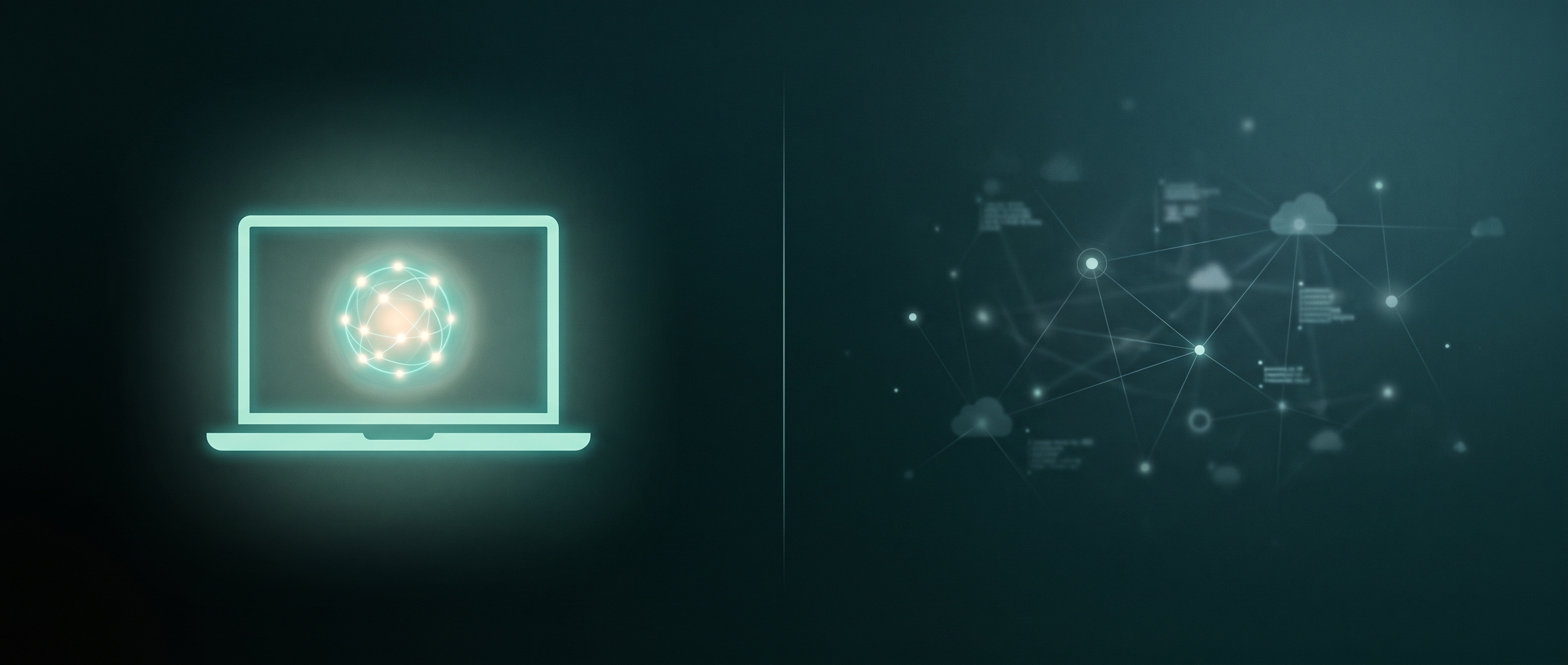
For most personal and small-team use, yes. Cloud RAG still wins on raw scale, on the very largest embedding models, and on indexing millions of documents, and if that is your workload the honest answer is that a cloud stack will be faster and less fiddly. But for questioning your own files, notes, and research, local RAG in 2026 is genuinely good, and it comes with three things the cloud cannot match: your data never leaves the machine, there is no usage bill, and it works with no connection at all. The gap that used to make local a compromise has mostly closed for everyday work. For anyone who values privacy or works with sensitive material, local is no longer the lesser option, it is the sensible default. This is the same reasoning behind running your assistant on-device.
FAQ
What is the best local RAG app for a Mac? For most people, AnythingLLM, because it bundles everything into one desktop app and runs fully offline with local models. If you want the simplest possible start, GPT4All's LocalDocs is even easier. If you already run models in LM Studio, use its document chat.
Do I need a GPU to run RAG locally?
No. On a Mac, Apple Silicon's unified memory lets a chat model and a small embedding model like nomic-embed-text run together without a discrete GPU. 16GB of memory is comfortable, and 8GB works for smaller setups.
Can local RAG work completely offline? Yes. Every tool here runs with no internet once the models are downloaded. Your documents, embeddings, and answers all stay on your machine.
Which embedding model should I use?
nomic-embed-text is the sensible default: small, CPU-friendly, and an 8,192-token window that fits long passages. mxbai-embed-large scores higher on retrieval benchmarks but truncates at 512 tokens, so it fits short chunks better than long ones.
Is local RAG accurate enough for real work? For personal and small-team document questioning, yes. Accuracy depends most on your embedding model and chunk size. Cloud stacks still lead on very large scale, but for your own files the everyday quality is there.
The bottom line
Start with AnythingLLM for a complete, offline setup with almost no configuration, or GPT4All if you just want to point at a folder and ask. Use LM Studio's document chat if your models already live there, Jan if you want one private assistant that also does RAG, and Ollama when you want to build the pipeline yourself. Whichever you choose, the win is the same: your files become searchable knowledge without ever leaving your Mac.
Written with AI assistance and edited by the recal team. We run local models and on-device retrieval daily, and everything above reflects that. Tool capabilities were checked against each project's own documentation as of July 2026; features move fast, so verify the current version before you commit.